Anyone can look up who owns a domain. WHOIS privacy replaces your name, address, email and phone number in that public record with forwarding contacts. The registry still holds your real details — you still own the domain — but the public sees ours.
How people can still reach you
Messages sent to the forwarding email address in the WHOIS record are passed on to the registrant's real address. Legitimate enquiries — someone who wants to buy the domain, a legal notice — still get through, without your address being published.
Turn it on
- In the control panel, open Domains, click the domain, then Manage domain.
- Click Add WHOIS privacy.
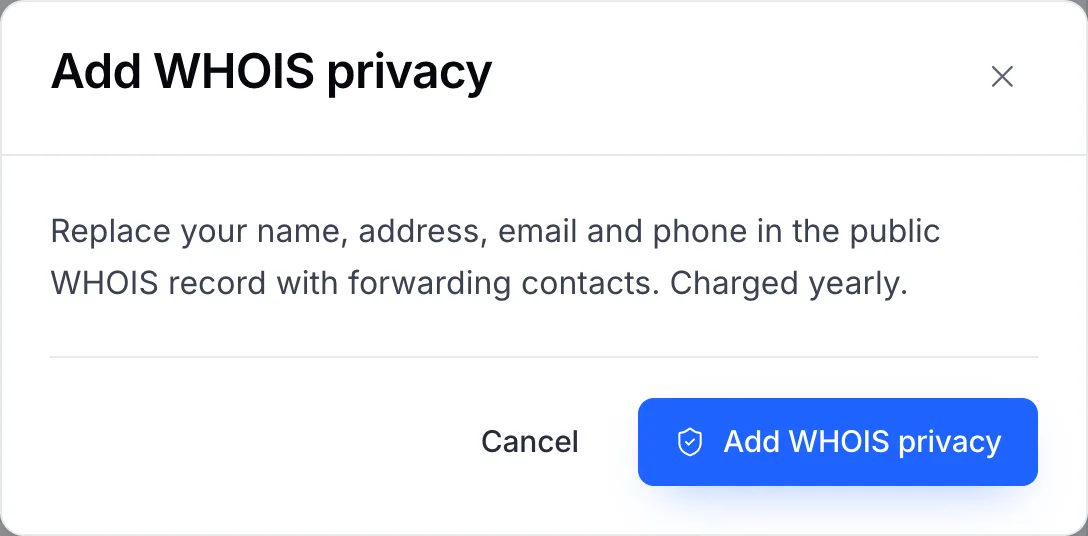
Privacy is charged yearly, alongside the domain. - Confirm with Add WHOIS privacy. If there is a charge, an invoice is raised; privacy starts once it is paid.
A WHOIS lookup can show the old details for a few hours while caches expire.
Turn it off
On the same service page, the action becomes Turn off WHOIS privacy. Confirming it publishes your registrant details in the public record again.
Important
Turn privacy off before transferring the domain away. The new registrar sends the transfer approval to the email address in the WHOIS record, and while privacy is on that is not yours. See Move a domain to another registrar.
Note
Some registries don't allow WHOIS privacy — .US is the best-known, and several country extensions follow their own publication rules instead. If the action is refused for your domain, open a ticket and we'll tell you what that extension publishes.