With theft protection on, any request to transfer the domain to another registrar is refused by the registry itself. It is the simplest protection against a domain being stolen, and it is on by default for domains registered or transferred here.
Check whether it's on
Open the domain's service page: Domains → the domain → Manage domain. The Theft protection tile says whether it is on.

Switch it off — only to move the domain
- On the service page, click Theft protection.
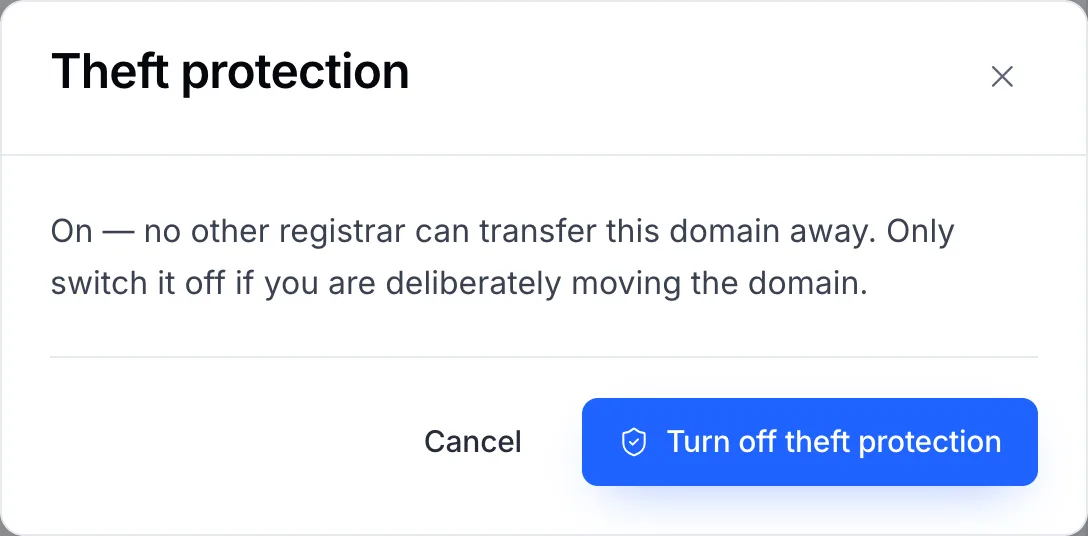
- Confirm with Turn off theft protection.
- Transfer the domain, then switch protection back on for any domain that stays.
Important
Only switch it off when you are deliberately moving the domain. While it is off, anyone who obtains the transfer code can start a transfer.
Extensions without theft protection
The registries for .AU, .DE, .ES, .EU, .NL, .NZ, .RU and .UK don't support this lock, so it can't be switched on for those domains. Keep the transfer code and the registrant's email account secure instead.