An SRV record tells software where to find a particular service for your domain: which server, and which port. Calendar and contact sync, instant messaging, VoIP and some email clients look for them.
You only need one when a service's set-up instructions ask for it.
Add an SRV record
- Open the domain's DNS records: Domains → the domain → Manage DNS.
- Under Add a record, choose SRV.
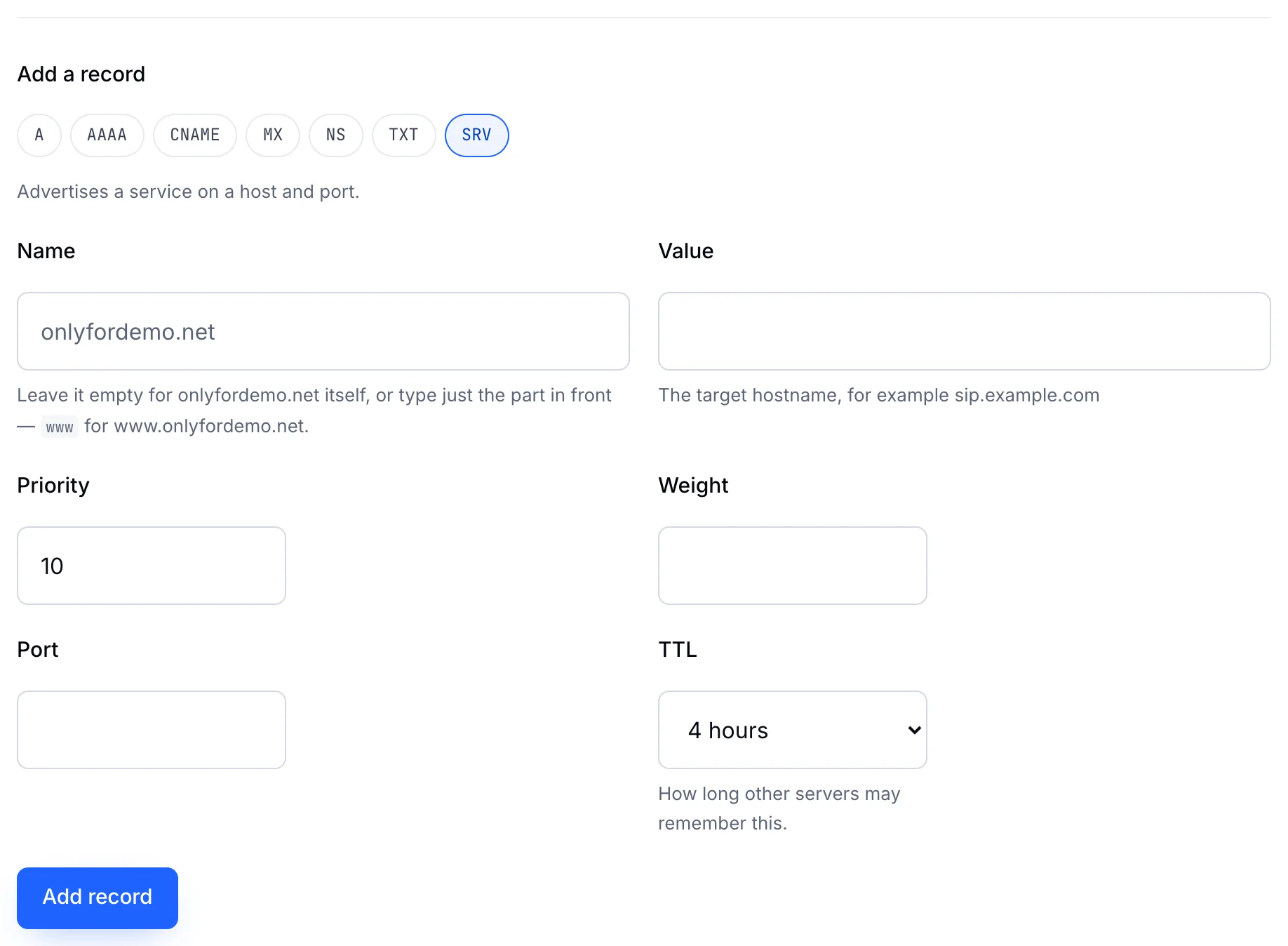
- Fill in the fields from the service's instructions:
| Field | Meaning | Example |
|---|---|---|
| Name | The service and protocol, with underscores | _sip._tls |
| Value | The server that runs the service | sip.provider.example |
| Priority | Lower is tried first | 10 |
| Weight | Shares traffic between servers of the same priority | 5 |
| Port | The port the service listens on | 443 |
- Choose a TTL and click Add record.
Note
Type the name exactly as given, including both underscores: _service._protocol. The domain itself is added automatically after it.