Your domain is yours to take. Moving it away takes four steps, three of them in your control panel.
- Switch off theft protection. On the domain's service page, click Theft protection and confirm Turn off theft protection. See Theft protection.
- Turn off WHOIS privacy, if it is on. The approval email goes to the address in the public WHOIS record. See Hide your details with WHOIS privacy.
- Get the transfer code with the Transfer code action. See Get your transfer code.
- Start the transfer at the new registrar, and give them the code.
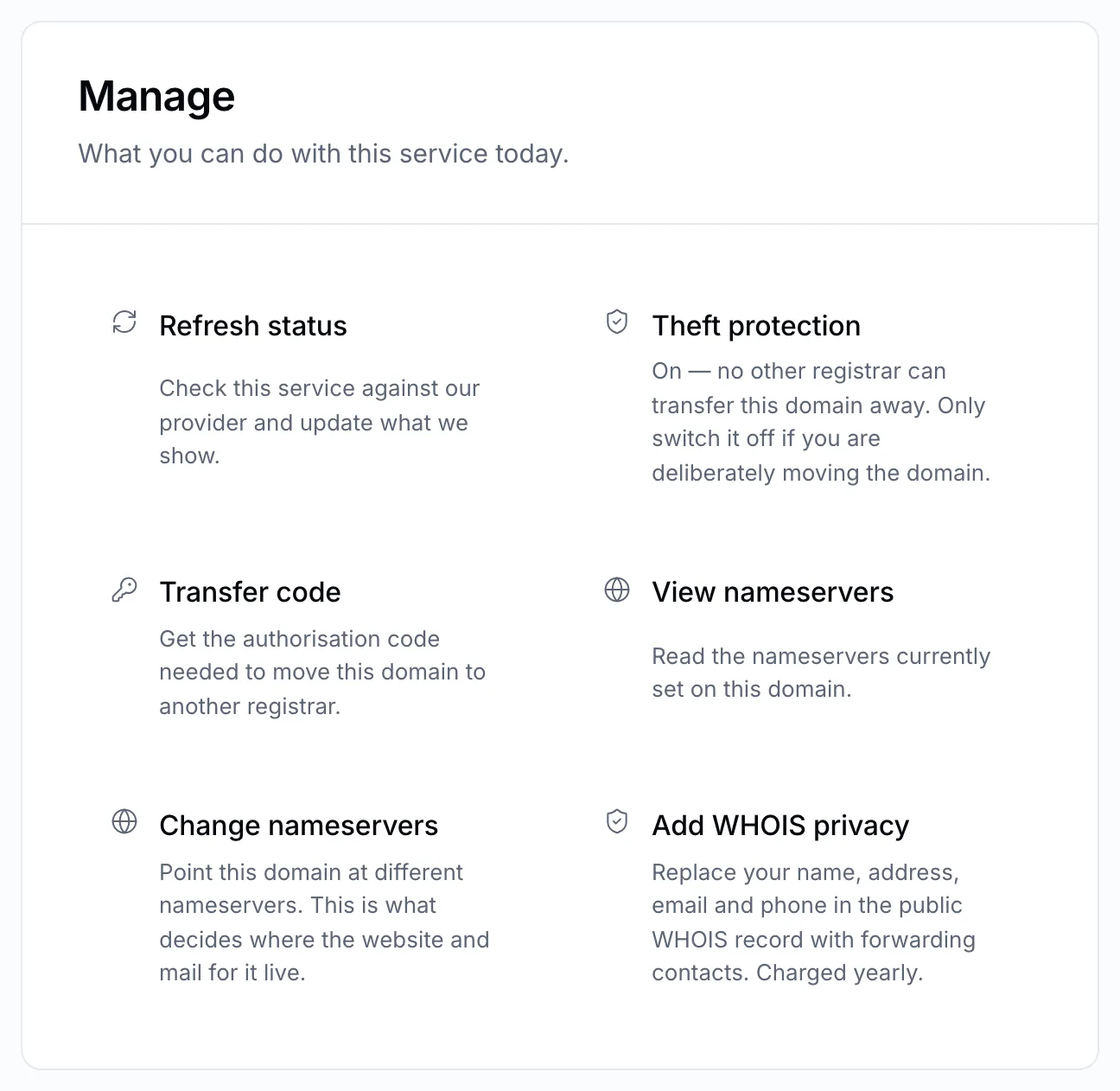
Steps 1 to 3 all happen on the domain's service page.
What happens next
The new registrar asks the registry for the domain. An email is sent to the domain's administrative contact asking you to confirm. Once confirmed — or after five days if nobody objects — the domain moves.
Your nameservers and DNS records usually carry across, so your website and email keep working. The time left on the registration moves with the domain, and most registrars add a year to it.
Note
Before you start, check the domain is more than 60 days old and hasn't moved in the last 60 days. See Can this domain be transferred?
Cancel an outgoing transfer
Changed your mind? Follow the cancel link in the confirmation email sent to the administrative contact before the transfer completes. If the email is gone, open a ticket straight away.