On the domain overview
- Open Domains in the control panel and click the domain.
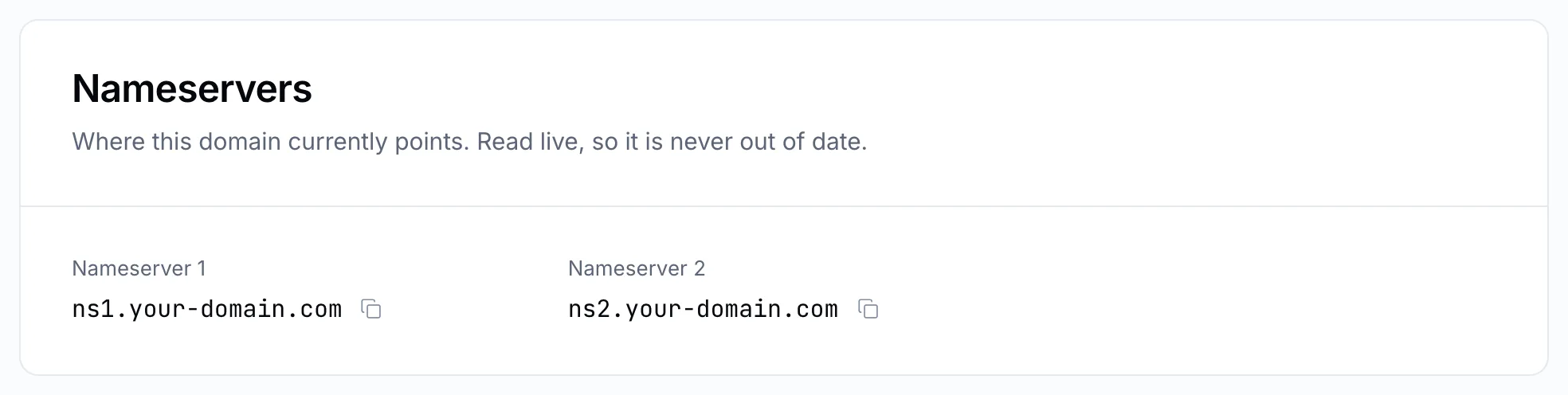
- The Nameservers panel lists them. They are read from the registry each time the page opens, so what you see is what the internet sees.
From the service page
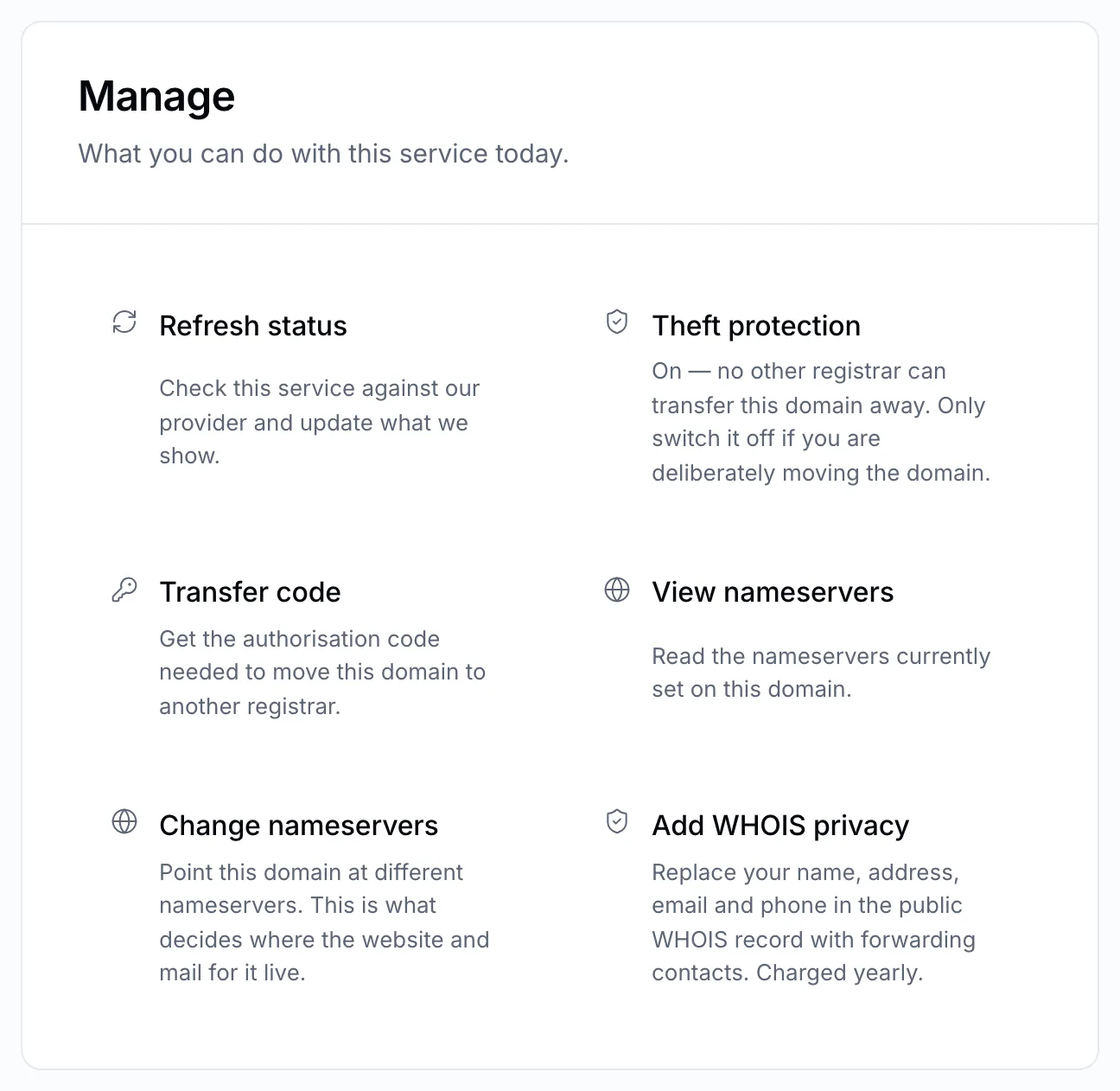
On the domain's service page, the View nameservers action shows the same list without leaving the page.
Tip
If the nameservers look right but your site still shows the old version, the change has not reached every network yet. See DNS propagation.