A CNAME record makes one name an alias for another. Wherever the target points, the alias follows. It is how you connect a subdomain to a service that gives you a hostname rather than an address — a shop platform, a landing-page builder, a mailing tool.
Add a CNAME record
- Open the domain's DNS records: Domains → the domain → Manage DNS.
- Under Add a record, choose CNAME.
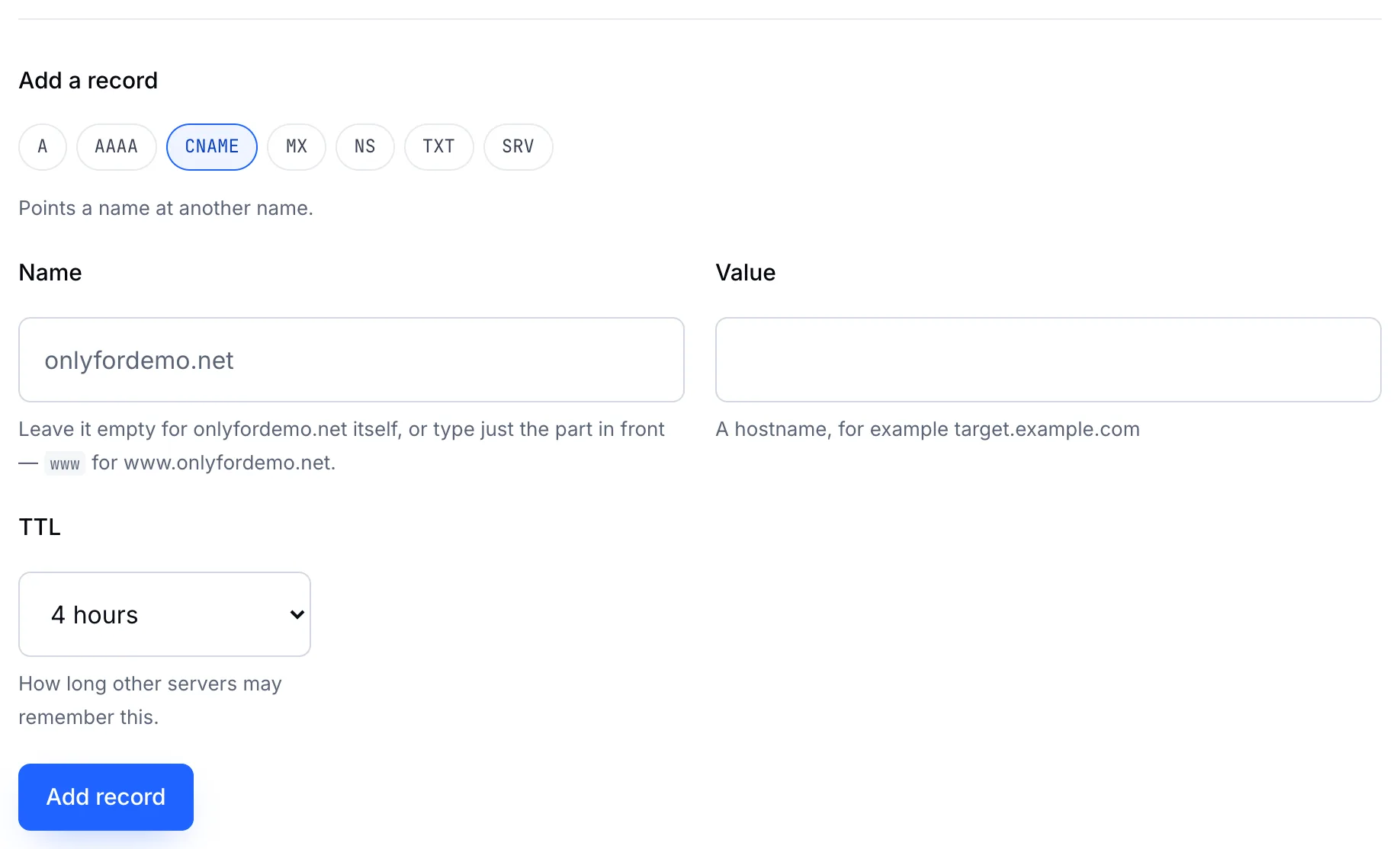
- Name — the subdomain to alias, such as
wwworshop. - Value — the hostname it should follow, such as
yourdomain.comorshops.example-platform.com. - Choose a TTL and click Add record.
The two rules
Important
A CNAME must be the only record on its name. If shop already has an A, MX or TXT record, remove it before you add the CNAME.
Important
The domain itself can't be a CNAME. yourdomain.com always has nameserver records, so it can't also be an alias. Use an A record for the bare domain, and a CNAME for www.
Example
| Name | Type | Value |
|---|---|---|
| (empty) | A | 203.0.113.10 |
www | CNAME | yourdomain.com |
shop | CNAME | shops.example-platform.com |