NS records inside your zone delegate a subdomain. For example, shop.yourdomain.com can be run entirely by your shop platform's nameservers, while yourdomain.com and its email stay here.
Note
This is not how you point the whole domain somewhere else. For that, change the domain's nameservers — see Change your domain's nameservers.
Delegate a subdomain
- Open the domain's DNS records: Domains → the domain → Manage DNS.
- Under Add a record, choose NS.
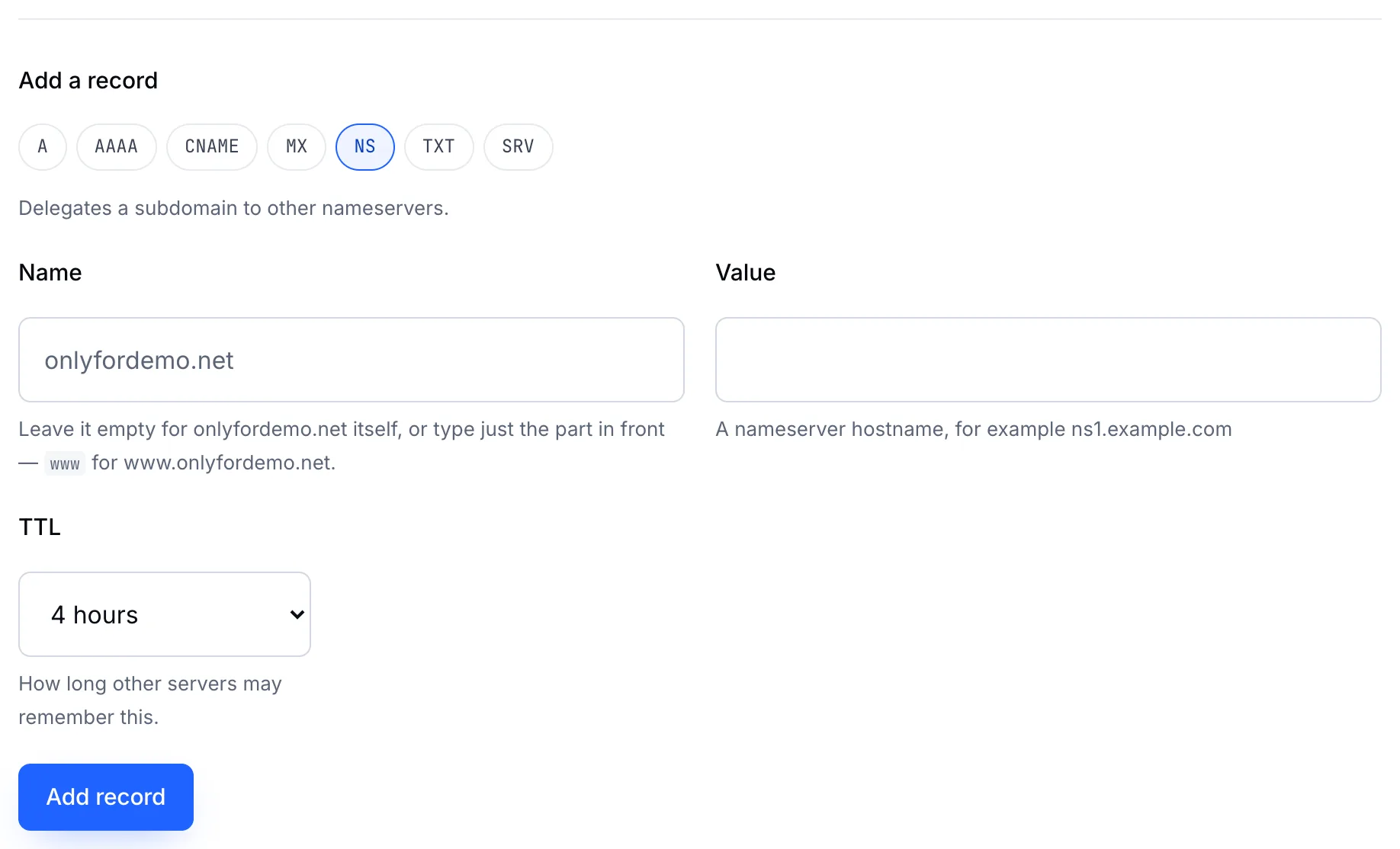
- Name — the subdomain, such as
shop. - Value — the first nameserver you were given.
- Click Add record, then repeat for each nameserver. Add at least two.
Once delegated, every record for shop.yourdomain.com is managed at the other nameservers. Records you add here for that subdomain are ignored.
The zone's own NS records
The records listed as Keeps the zone attached point the zone at its own nameservers. They can't be removed, and you don't need to touch them.