The transfer code — also called the authorisation code, auth code or EPP code — is a password for the domain. The registrar you are moving to asks for it, and the registry checks it before it lets the domain go.
Get the code
- In the control panel, open Domains, click the domain, then Manage domain.
- Click Transfer code.
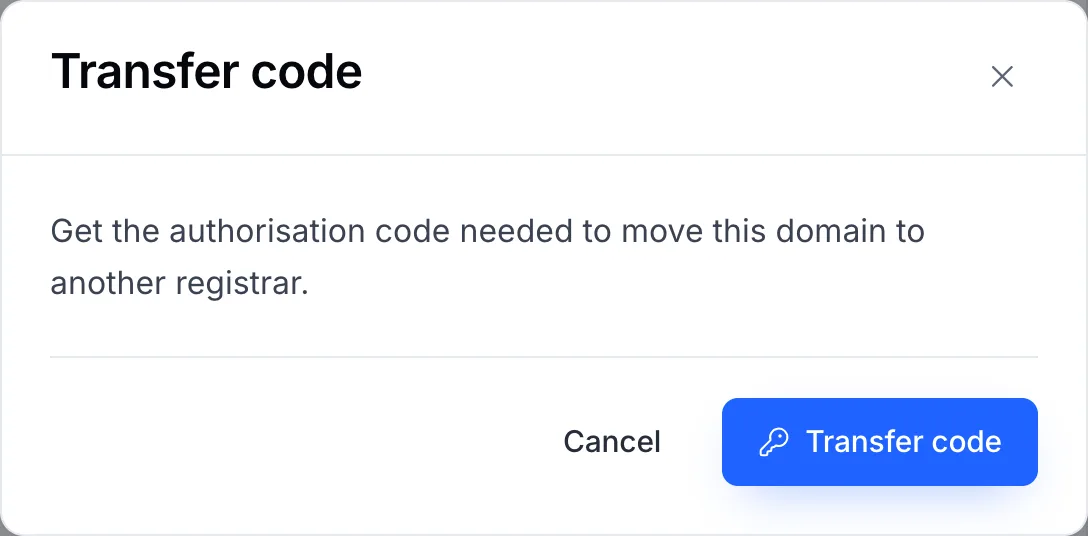
- Confirm with Transfer code. The code is shown on the page.
Each time the code is viewed it is recorded in the domain's Activity, so you can see if someone else on the account has asked for it.
Important
Treat the code like a password. Give it only to the registrar you are moving to, and never by email to someone who contacted you first.
If the code is refused
- Copy it exactly — codes are case-sensitive and may contain symbols. Paste it rather than typing it.
- Check theft protection is off. A locked domain refuses the transfer even with the right code. See Theft protection.
- Some extensions don't use a code. .UK domains move with a tag change instead, and a few country extensions have their own process. Open a ticket and we'll tell you what yours needs.