Every domain carries four contacts. They can all be the same person, and usually are.
| Contact | Role |
|---|---|
| Registrant | The legal owner of the domain. This is what a public WHOIS lookup returns. |
| Administrative | Receives the emails that approve changes and transfers. |
| Technical | The person who deals with how the domain is set up. |
| Billing | The person responsible for paying for the domain. |
Important
Keep the registrant's and administrative contact's email addresses working. Transfer approvals and registry verification emails go to them, and a domain whose owner cannot be reached can be suspended.
Change a contact
- In the control panel, open Domains and click the domain.
- Under Elsewhere and not yet, click Manage contacts.
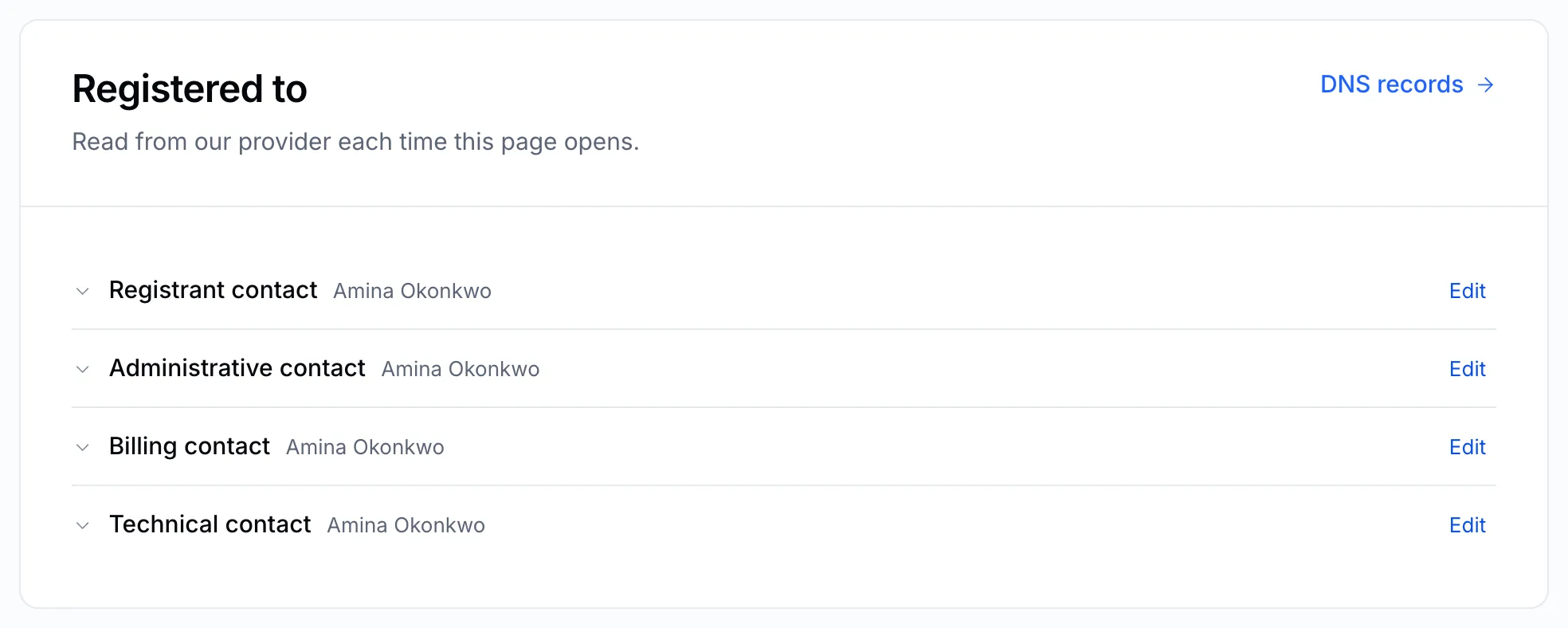
The details are read from the registry each time the page opens. - Click a contact to see its details, then Edit.
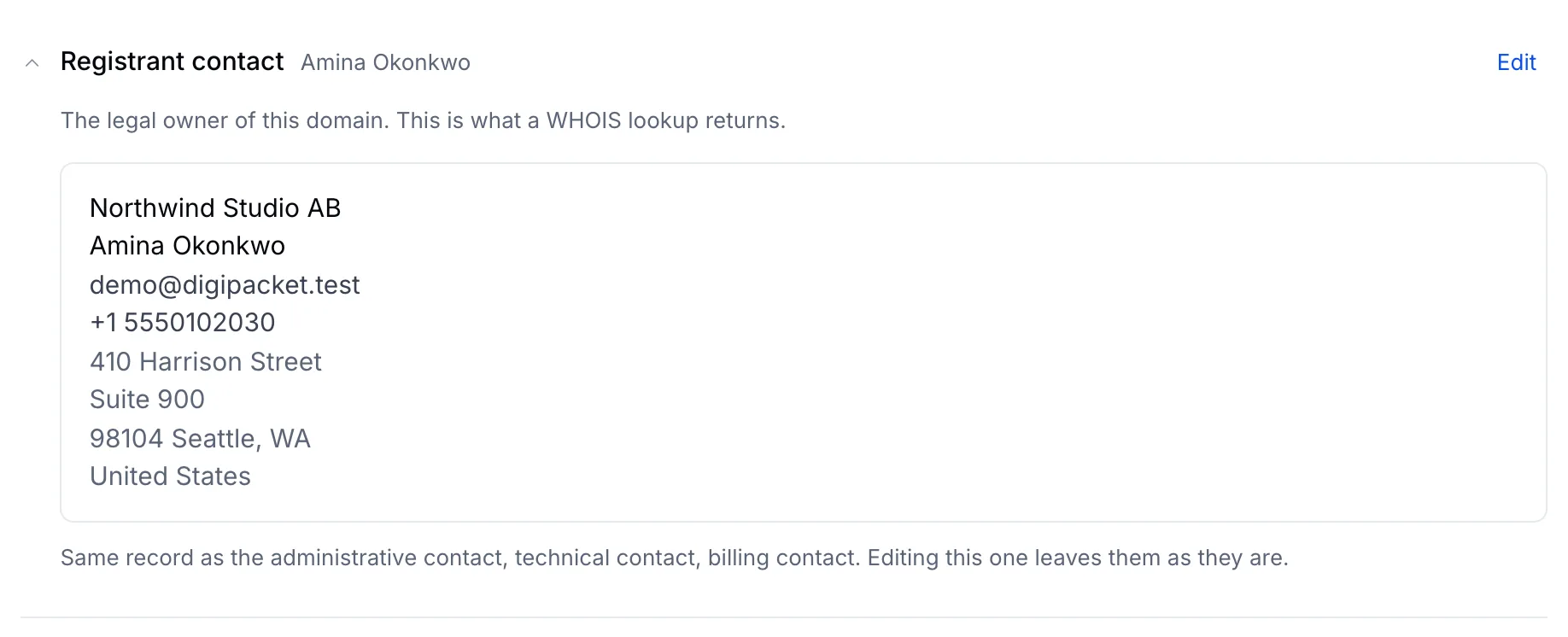
When contacts share one record, editing one leaves the others as they are. - Change what you need and save.
When the four contacts are the same record, editing one of them splits it off. The other three keep the old details until you edit them too.
After you change the registrant
For most generic extensions (.com, .net, .org, .info and others), changing the registrant's email address sends a verification email to the new address. Click the link in it within 15 days. See Verify your domain's owner email.
Note
Some country extensions — .UK, .RU and others — have their own rules for changing the owner, and some need a signed form. If the edit is refused, open a ticket and we will take you through it.