The overview
After signing in you land on the overview. Each card summarises one part of the account and opens the detail behind it.
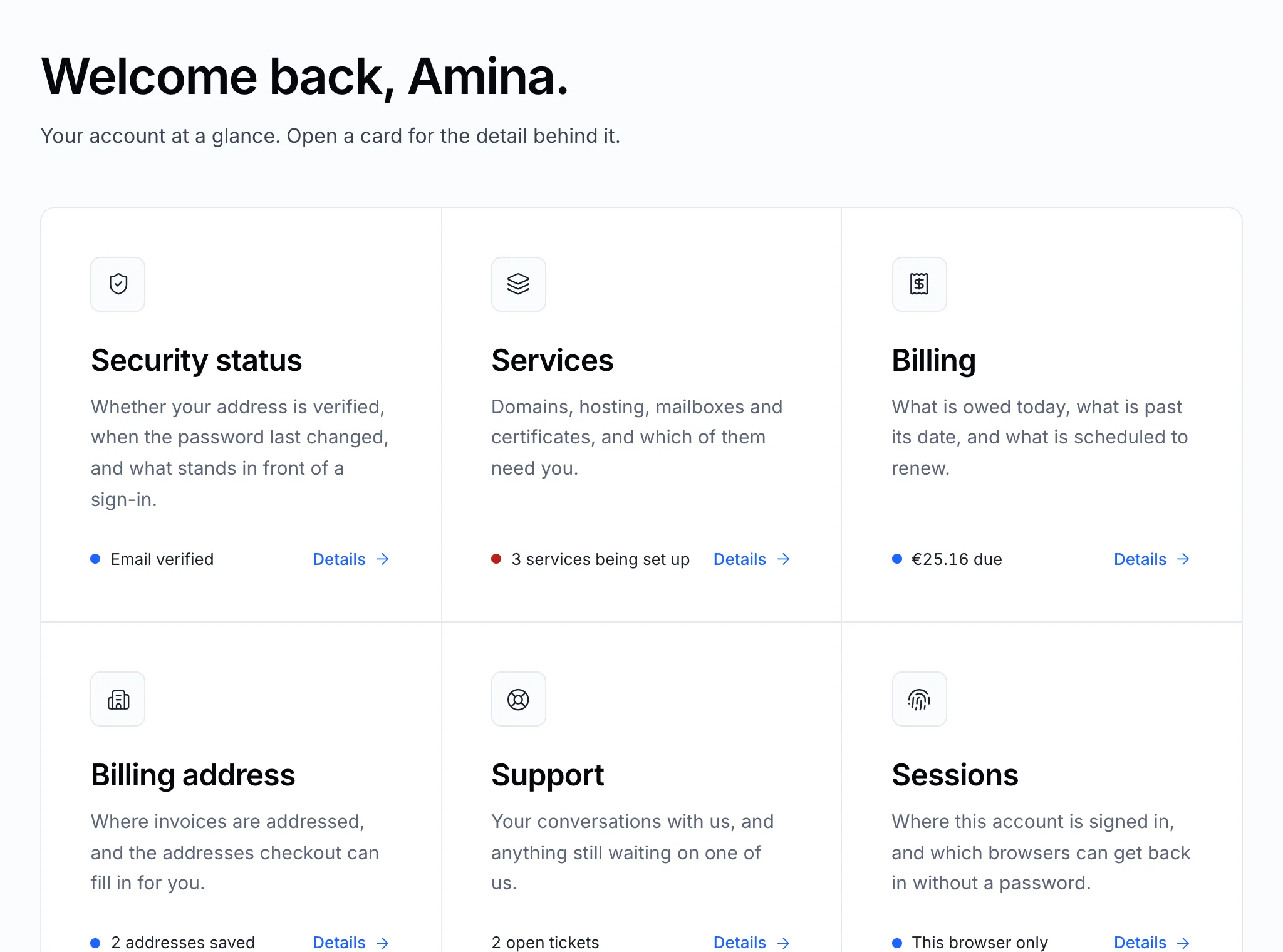
| Card | What it tells you |
|---|---|
| Security status | Whether your email address is verified and when the password last changed |
| Services | Which services need your attention — being set up, expiring, suspended |
| Billing | What is due today and what is past its date |
| Billing address | Where invoices are addressed |
| Support | Tickets still waiting on you or on us |
| Sessions | Where the account is signed in |
The sidebar
The sidebar is on every page of the panel.
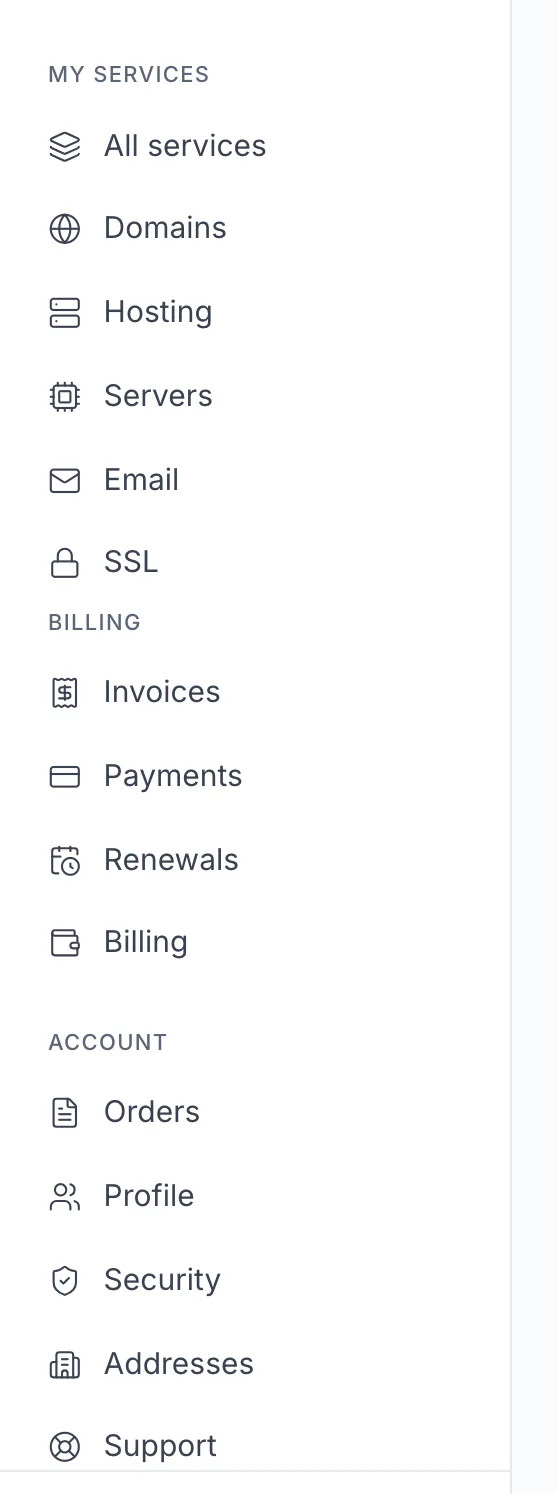
- My services — All services, and one page per kind: Domains, Hosting, Servers, Email, SSL.
- Billing — Invoices, Payments, Renewals and your Billing summary.
- Account — Orders, Profile, Security, Addresses and Support.
All services
All services lists everything on the account in one place. Filter it by status or by kind, and click a service to open its page.
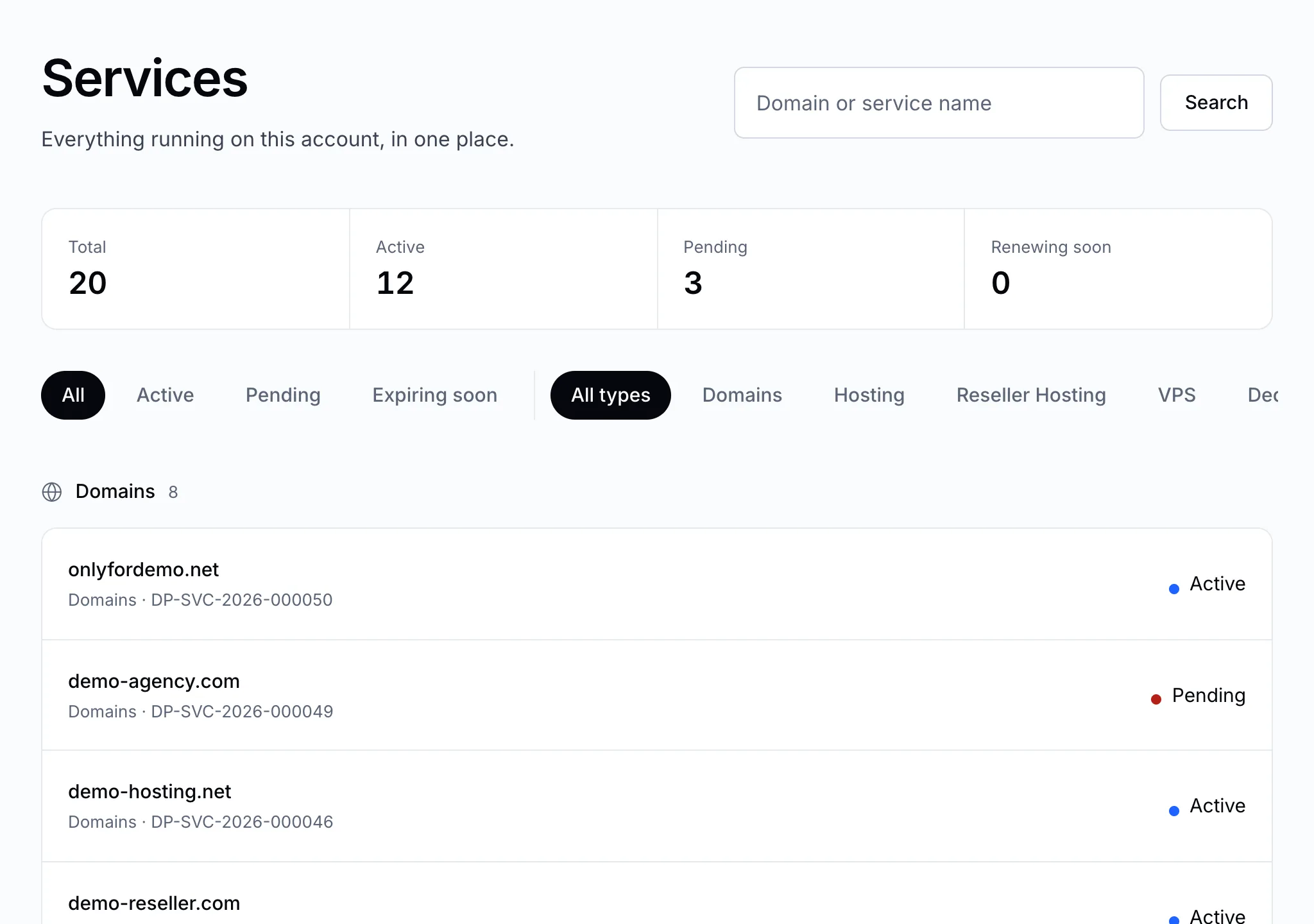
Every service page has the same three parts: Manage with the actions you can take today, Billing & renewal, and an Activity log of what has been done.
Search
The search field at the top finds domains, invoice numbers and sections of the panel. Press the key shown in the field to jump to it from anywhere.

Notifications
The bell at the top shows what has happened on the account — an invoice raised, a service set up, a reply on a ticket. Choose which ones also arrive by email under Notification preferences.