Everything you buy from Digipacket — domains, hosting, email, certificates — is managed from one control panel.
Sign in
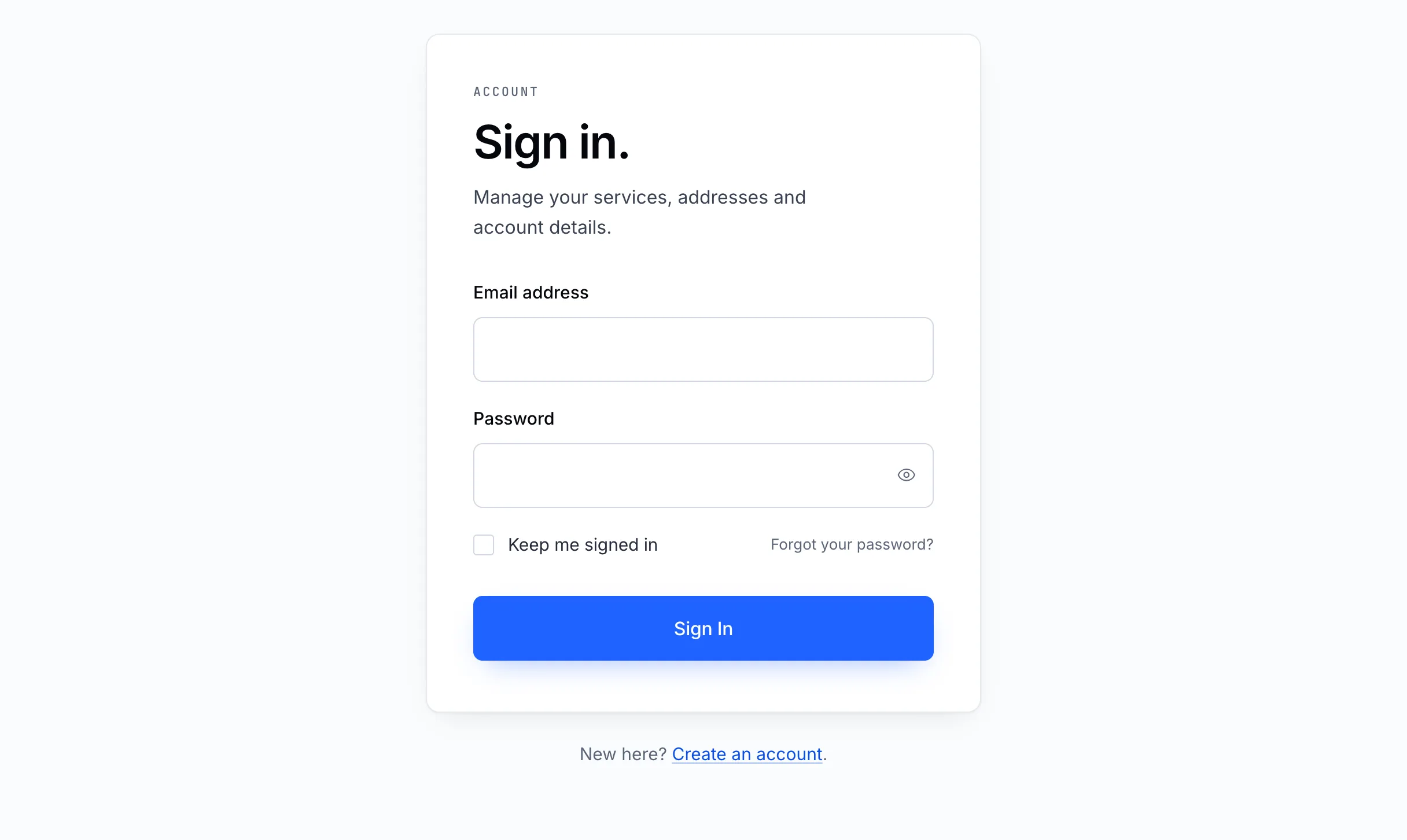
- Go to digipacket.net/login, or click Sign In at the top of any page of the site.
- Enter the email address and password you created your account with.
- Tick Keep me signed in only on a computer that is yours. It lets this browser back in without the password next time.
- Click Sign In.
You land on your account overview. See A tour of your control panel.
Can't sign in?
| What you see | What to do |
|---|---|
| The email or password is wrong | Check for a typo and that Caps Lock is off. Then reset your password. |
| Too many attempts | Sign-in is paused for a few minutes after several failures, to stop anyone guessing. Wait, then try again. |
| You're signed out while working | Sessions end after a period without activity, for your security. Sign in again — nothing you saved is lost. |
Tip
No account yet? One is created when you place your first order, or create one now.