Skip to content
Sign In Create account

Your account

Follow an order

What happens after you order, and where to see each step.

1 min read Updated

Every order you place is listed under Orders in the sidebar, with its status.
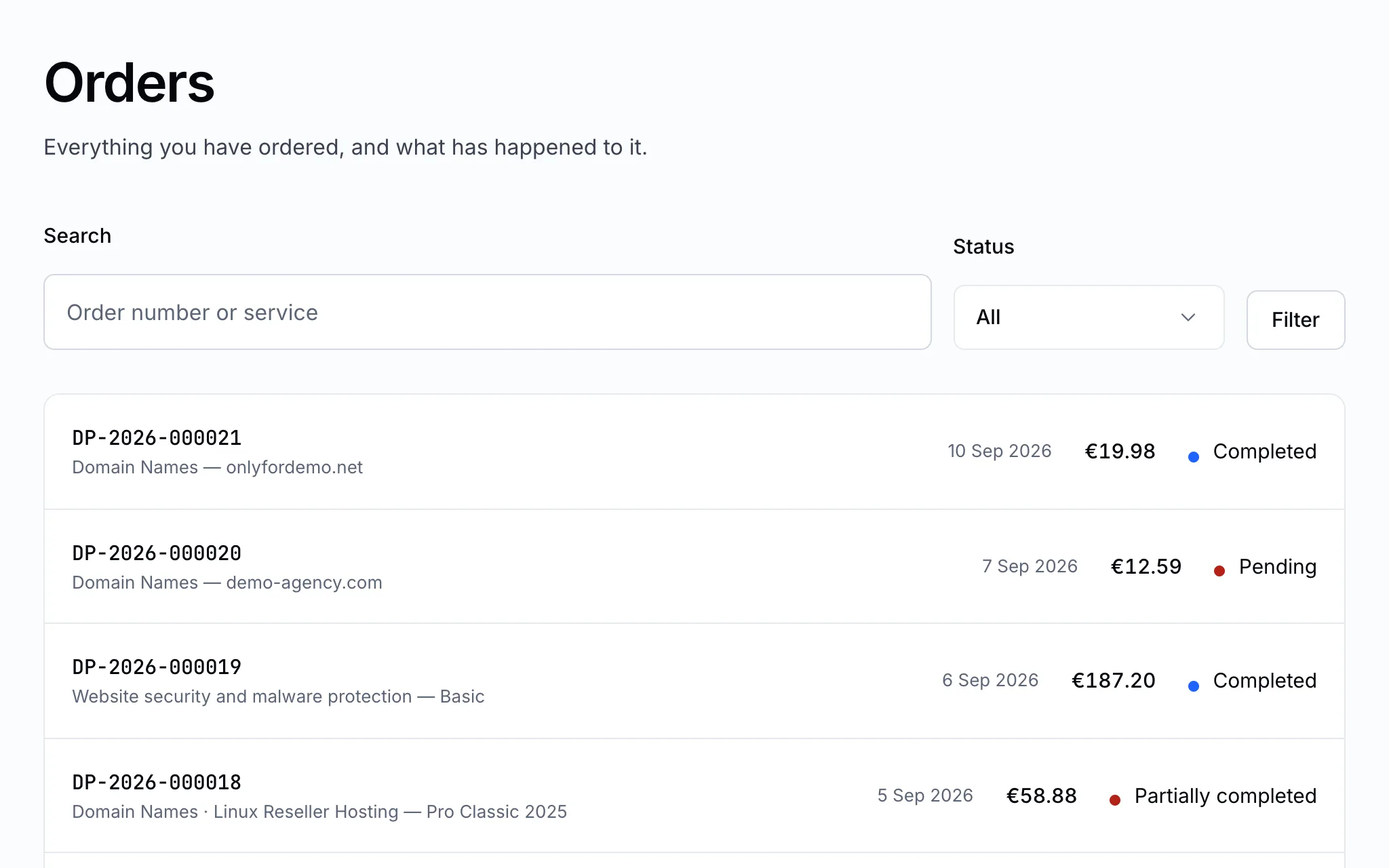
Your orders

From order to working service

  1. Order placed — an invoice is raised for it.
  2. Paid — once the payment is confirmed, we start setting the services up.
  3. Being set up — the service appears in All services as being set up while the provider provisions it. Most are ready within minutes; domain transfers take days.
  4. Active — the service is ready to use, and you get a notification.

Open an order to see each service in it and the history of what happened, with dates.

Note

An order that hasn't been paid can be cancelled from its page. Once a service has been set up, it is managed from its service page instead.

Still stuck?

Open a ticket from your control panel and say which step you reached. A screenshot of what you see is the fastest way to show us.

Still stuck

Nothing here fits? Write to us.

Tell us what you are trying to do rather than what went wrong, and we will tell you whether it is something we can fix from here.

  • Answered by a person

    There is no ticket robot in front of us. What you write is what somebody reads.

  • Say what you are trying to do

    The fastest answers come from the message that explains the goal, not only the error.

  • Your services are already in front of us

    Sign in first and we can see the account the question is about without asking you to describe it.