Find what's due
The Billing card on your overview shows the total outstanding. Invoices in the sidebar lists every invoice; unpaid ones show as Issued.
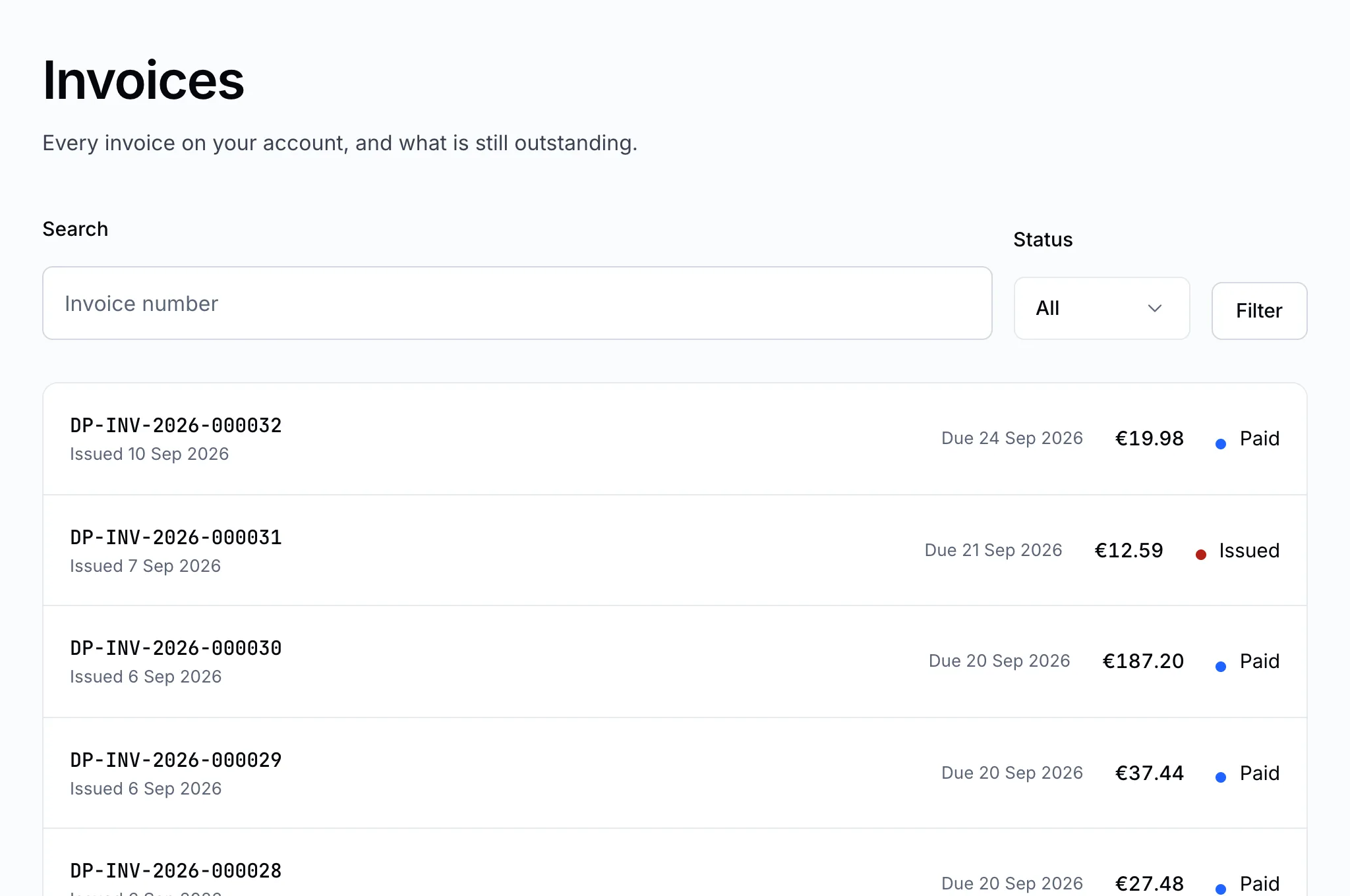
Click an invoice to open it. It shows what it's for, the address it's made out to, and its due date.

Choose how to pay
- On the invoice, click the pay button.
- Choose a payment method and click Select.
| Method | How it works |
|---|---|
| Bank transfer | You pay from your bank using the details we give you. We confirm the payment once the transfer arrives. |
| Card | Where it is offered, you pay on our payment provider's secure page and come straight back. |
Pay by bank transfer
The payment page shows our bank details, the exact amount, and a payment reference.
- Transfer the exact amount shown, in the currency shown.
- Put the payment reference in the transfer's description. It is how we match your money to your invoice.
- Come back to the payment page and fill in your transfer details — the amount sent, the transfer date and your bank's reference.
- Attach proof of payment: a screenshot or receipt from your bank, as PDF, JPG or PNG.
- Click I have made the transfer.
The payment then shows We are checking your transfer. Transfers usually take one to three working days to arrive. Once it does, we confirm it, the invoice is marked Paid, and anything waiting on it — an order, a renewal — goes ahead.
Important
A transfer without the payment reference can't be matched automatically, and waits for a person to find it. If you forgot it, open a ticket with the date and amount.
Pay by card
Click the card button on the payment page. You are taken to our payment provider's secure page; enter your card there and you're returned to the control panel. Card payments are confirmed straight away — we never see or store your card number.
Note
If a transfer was not accepted — the amount didn't match, say — the payment page tells you why and offers Submit a new transfer.