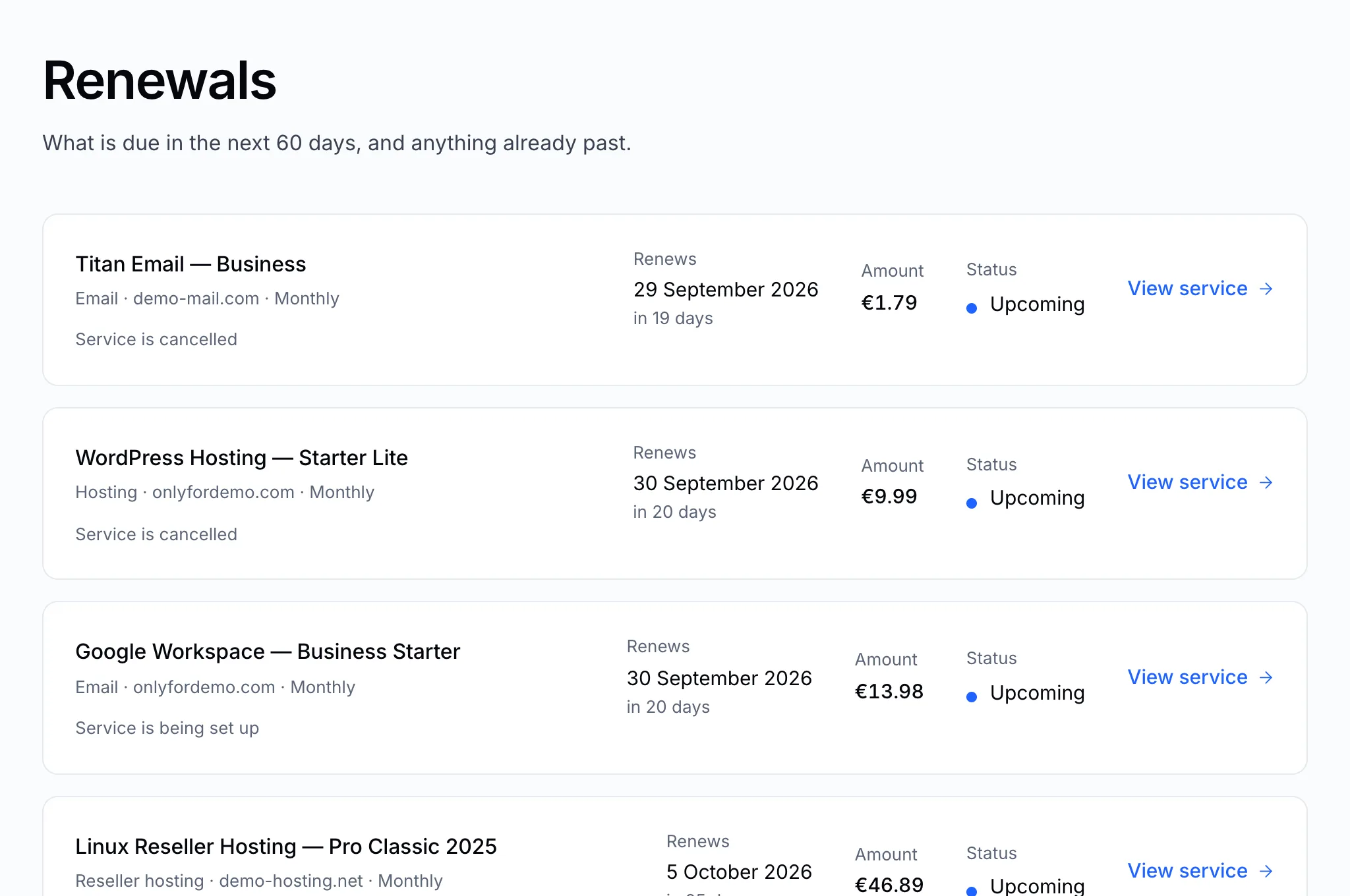
What renews next
Renewals in the sidebar lists everything due in the next 60 days, and anything already past its date.
Auto-renew
Auto-renew is on when a service is set up, and we recommend leaving it on. With it on, we raise the renewal invoice before the service expires, without you having to ask.
What it does not do is pay that invoice. Nothing is ever taken from your account by itself: you still receive the invoice and still send the money, and the service still stops if it goes unpaid. Auto-renew makes sure the invoice arrives in time to be paid — see Pay an invoice.
To switch it on or off:
- Open the service: All services → the service.
- Find Auto-renew in the Billing & renewal panel.
- Click the switch beside it and confirm.
The line under the switch says what the current setting means: with it on, when the next invoice will be raised; with it off, that the service will not be billed again and will stop at the end of the period it is paid for.
Tip
Leave auto-renew on for anything you'd miss — above all your domains. A domain that lapses can be taken by someone else. See What happens when a domain expires.
Note
Turning auto-renew off does not cancel anything or refund anything. It only stops the next invoice. The service runs to the end of the period you have already paid for.
Renew now
Want to renew early, or pay a whole year in one go? Click Renew now on the service page. We raise the renewal invoice straight away, covering the next period from the current renewal date — renewing early never loses the time you have left.
Paying the invoice is all you have to do. Once it is paid we renew the service with the registry or the provider ourselves, and the new expiry date appears on the service page as soon as they confirm it. You'll get a message telling you the service has been renewed.
If you pay by card this usually happens within seconds. By bank transfer, it happens shortly after we confirm the transfer.
Tip
Pressing Renew now again after paying does no harm and buys nothing twice — we check the date the registry or provider currently holds before sending anything. If the renewal is already on the service, the button simply offers you the period after it.
When a renewal isn't paid
A service whose renewal invoice isn't paid by its expiry date is suspended, then removed. Pay the invoice as soon as you see it — see Pay an invoice. If you no longer want a service, simply let it lapse, or open a ticket and we'll cancel it.