Skip to content
Sign In Create account

Your account

Manage your billing addresses

Save the addresses invoices are made out to, and choose the default.

1 min read Updated

The address on an invoice is the one you choose at checkout. Saved addresses fill the checkout in for you.

Open Addresses in the sidebar.
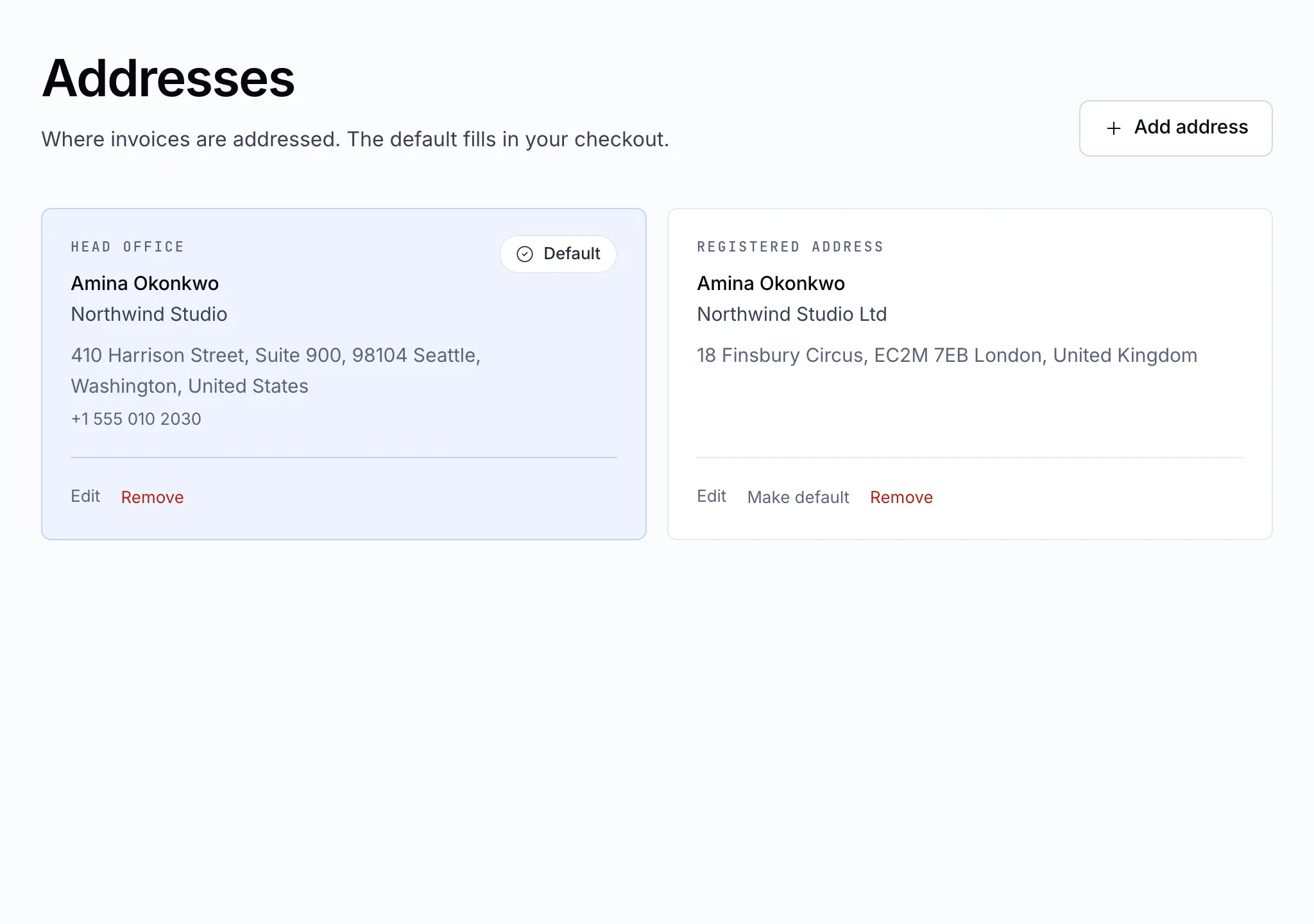
The Addresses page

Add an address

Fill in the form and save it. Tick Use this as my default billing address to have checkout choose it first.

Change or remove one

Each saved address can be edited or removed from its card. Removing an address doesn't change invoices already issued to it — an invoice keeps the address it was made out to.

Note

Buying as a company? Put the company name and, where it applies, its tax or VAT number on the address, so they appear on your invoices.

Still stuck?

Open a ticket from your control panel and say which step you reached. A screenshot of what you see is the fastest way to show us.

Still stuck

Nothing here fits? Write to us.

Tell us what you are trying to do rather than what went wrong, and we will tell you whether it is something we can fix from here.

  • Answered by a person

    There is no ticket robot in front of us. What you write is what somebody reads.

  • Say what you are trying to do

    The fastest answers come from the message that explains the goal, not only the error.

  • Your services are already in front of us

    Sign in first and we can see the account the question is about without asking you to describe it.