Skip to content
Sign In Create account

Your account

Choose which emails you receive

Notification preferences — what arrives by email and what stays in the panel.

1 min read Updated

Open Preferences in the sidebar.
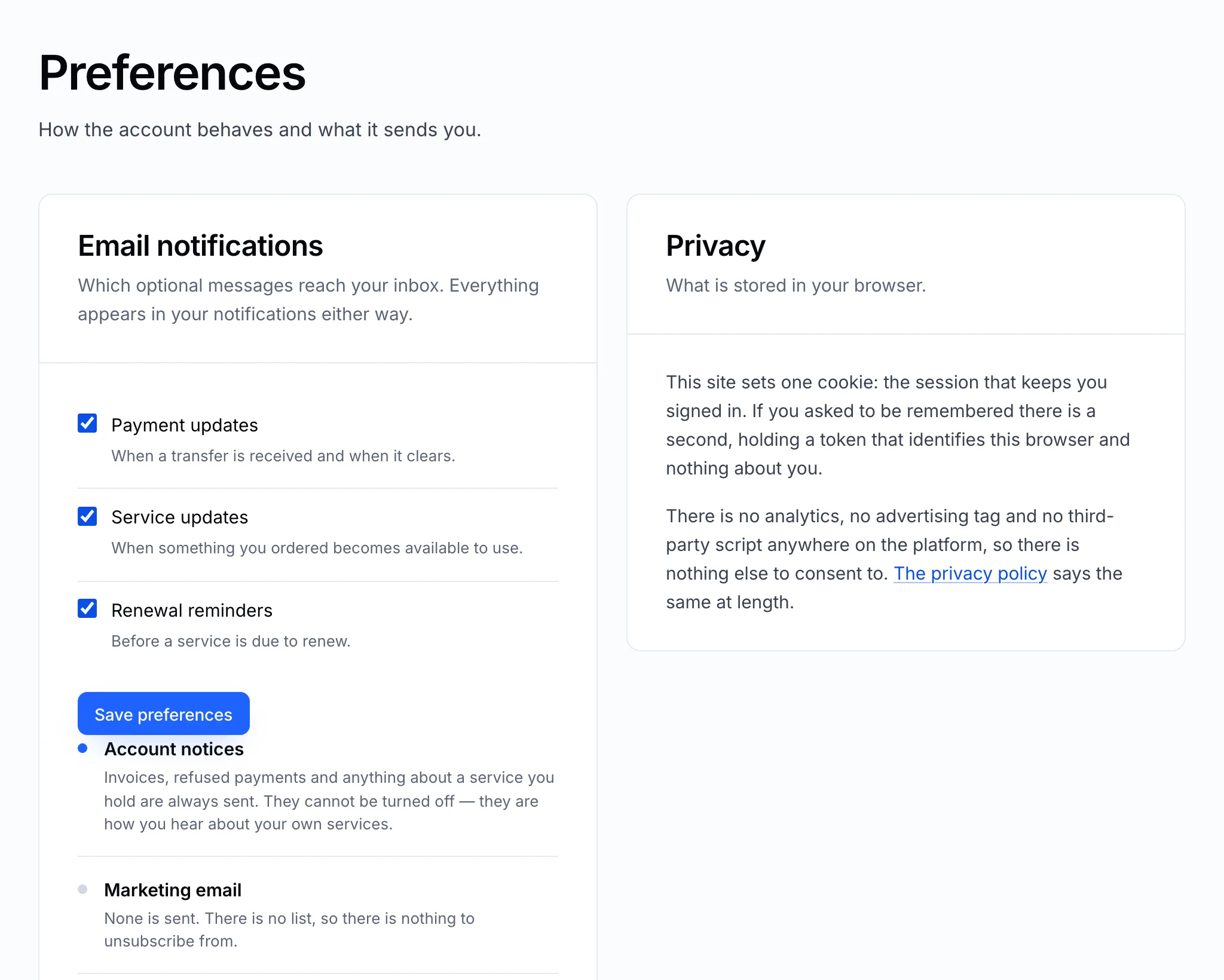
The Preferences page

Choose which notifications also reach you by email, then click Save preferences. Everything still appears under the bell at the top of the panel, whatever you choose here.

Note

Some emails are always sent because the account depends on them: password resets, email address confirmations and security notices. They can't be switched off.

Still stuck?

Open a ticket from your control panel and say which step you reached. A screenshot of what you see is the fastest way to show us.

Still stuck

Nothing here fits? Write to us.

Tell us what you are trying to do rather than what went wrong, and we will tell you whether it is something we can fix from here.

  • Answered by a person

    There is no ticket robot in front of us. What you write is what somebody reads.

  • Say what you are trying to do

    The fastest answers come from the message that explains the goal, not only the error.

  • Your services are already in front of us

    Sign in first and we can see the account the question is about without asking you to describe it.