Every hosting package serves one primary domain. You can change it — after a rebrand, for example.
- Open Hosting, click the package, then Manage service.
- Click Change the primary domain.
- Enter the new primary domain.
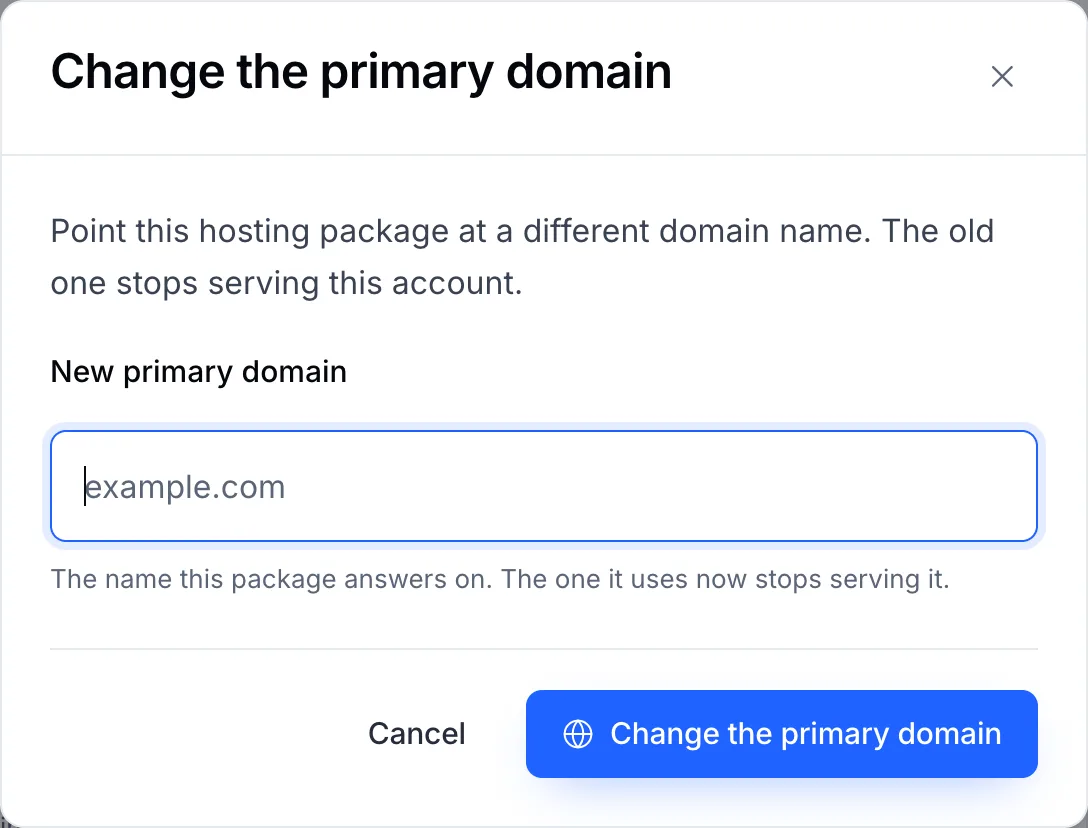
- Confirm.
Important
The old domain stops serving this account. If you want both names to show the site, keep the old one as an add-on domain or a redirect in cPanel or Plesk instead of changing the primary domain.
After the change
- Point the new domain at the hosting: use the nameservers under Connection details.
- A certificate issued for the old name doesn't cover the new one. Issue one for the new domain — see Issue your SSL certificate.