After you order a certificate it sits in your control panel, waiting for two things: your CSR, and proof that you control the domain.
Start
- In the sidebar, click SSL and open the certificate.
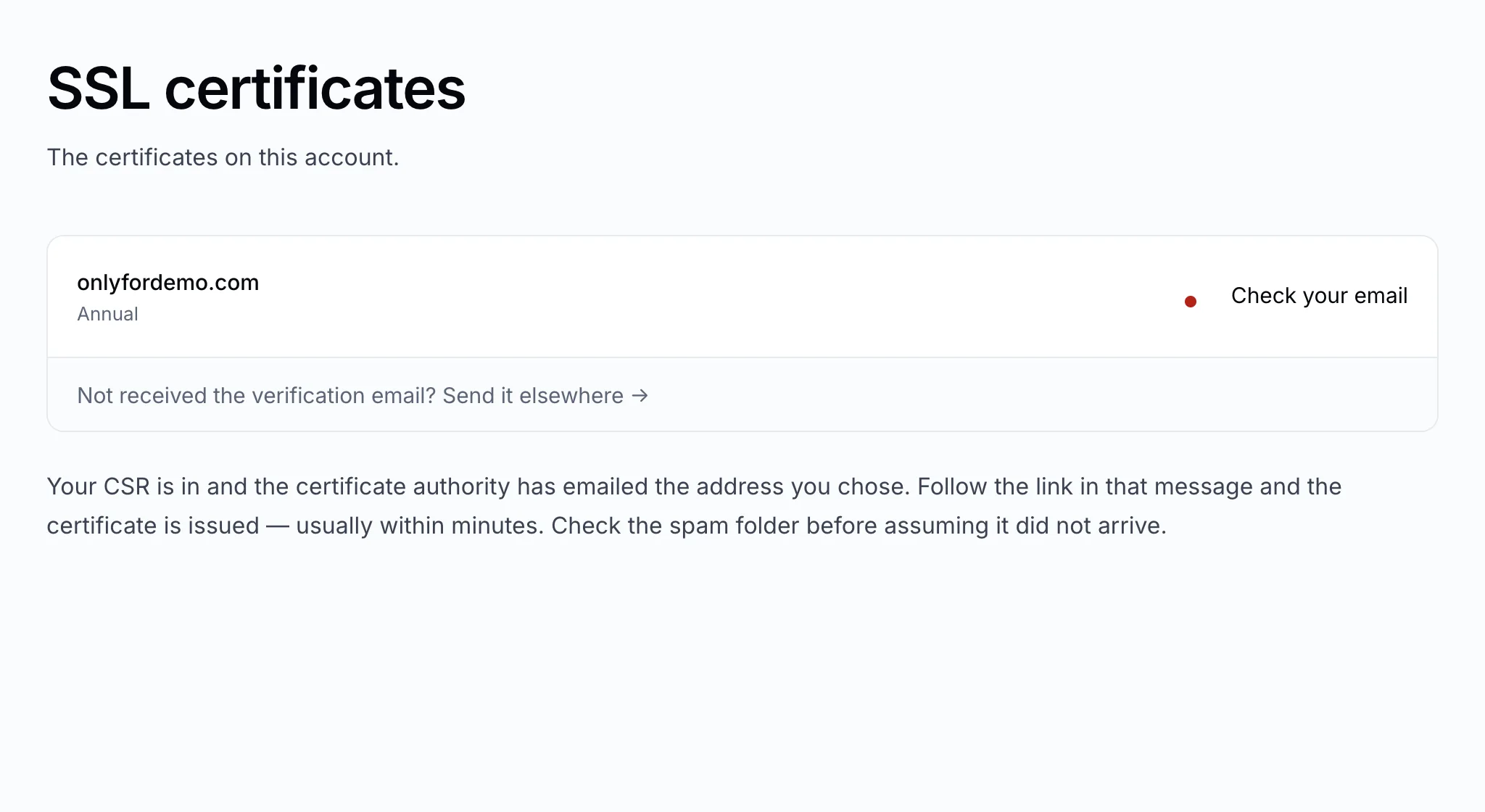
- Click Issue your certificate.
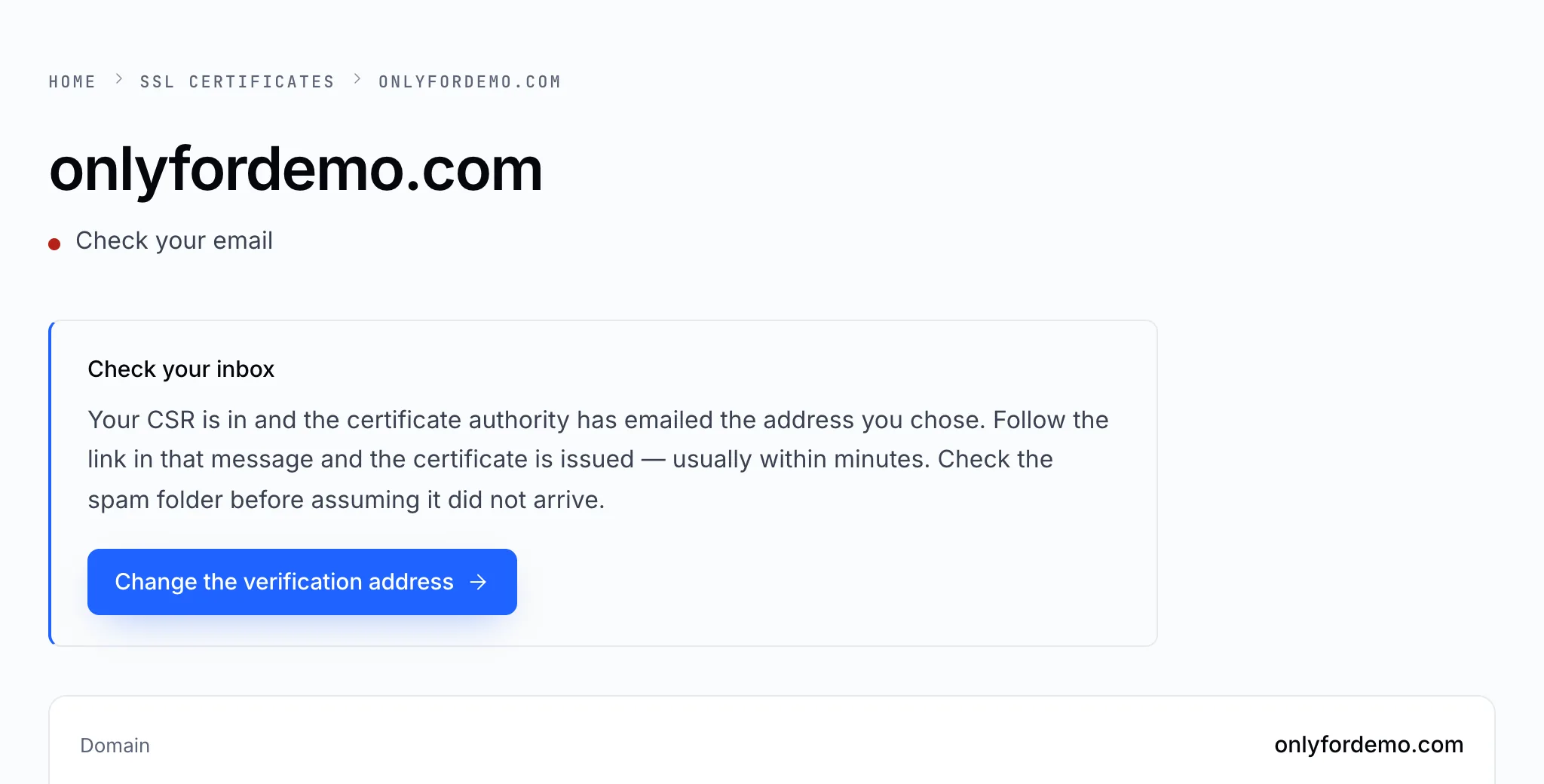
The page says exactly what is waiting on whom.
1. Choose how you'll prove the domain
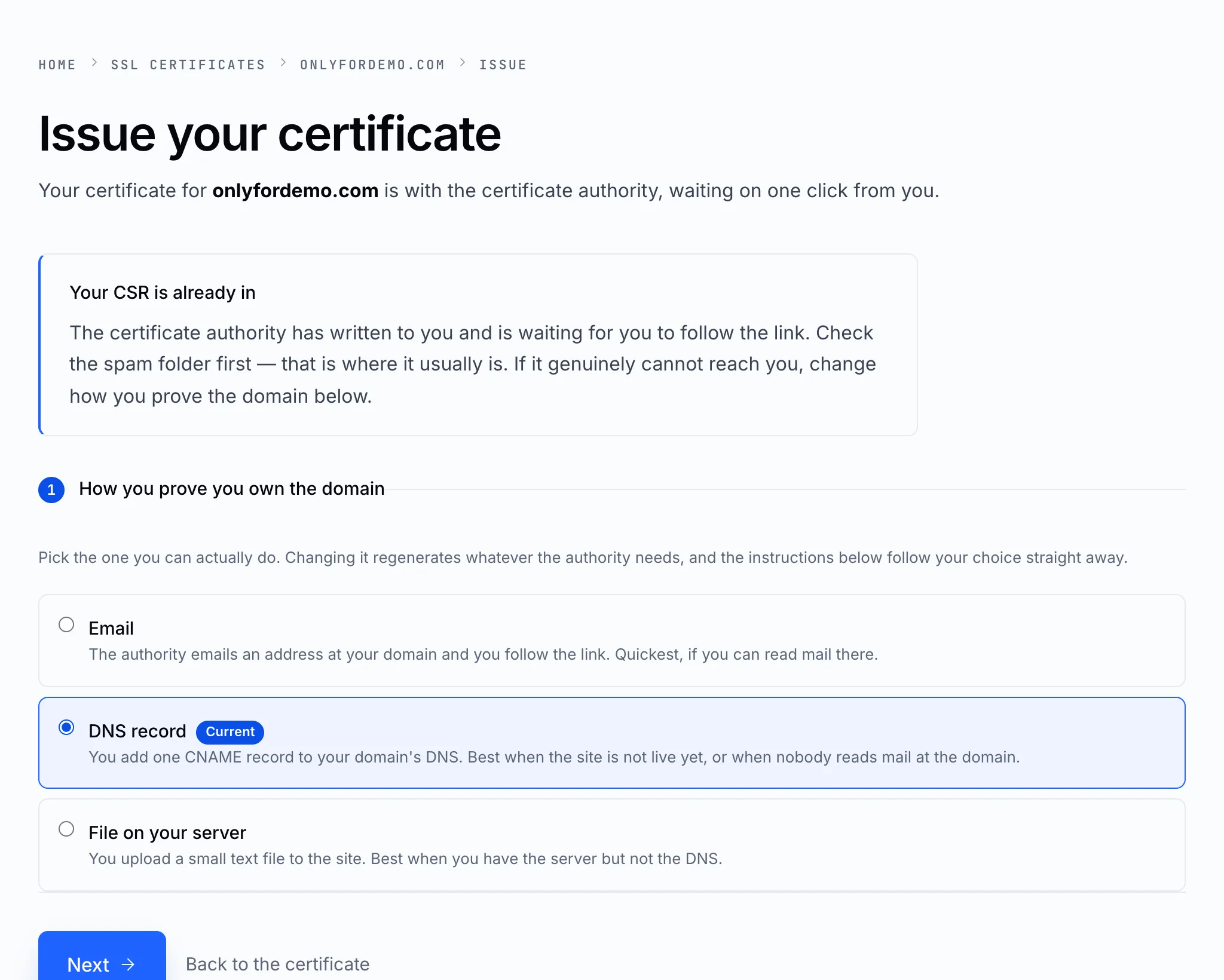
| Method | Best when |
|---|---|
| You can read mail at the domain. Quickest | |
| DNS record | The site isn't live yet, or nobody reads mail at the domain |
| File on your server | You have the server but not the DNS |
See How to prove you own the domain for what each one asks of you.
2. Paste your CSR
If you haven't got one, see Generate a CSR. We send the CSR and your choice to the certificate authority.
3. Complete the check
- Email — the authority emails a confirmation link, usually within minutes. Follow it. Check the spam folder before assuming it didn't arrive.
- DNS record — add the CNAME record shown, then use Save and re-check. It can take a few hours for the authority to see it.
- File — upload the file to the exact path shown and re-check.
Once the check passes, the certificate is issued and appears on this page — usually within minutes.
4. Install it
The certificate is issued, not installed. Put it on your web server: Install your certificate.
Note
Turn WHOIS privacy off on the domain while a certificate is being issued if you use email verification: the authority writes to an address in the public WHOIS record.