Before it issues a certificate, the authority checks you control the domain. This is domain control validation. Our panel offers three methods; you can change your choice while the certificate is waiting.
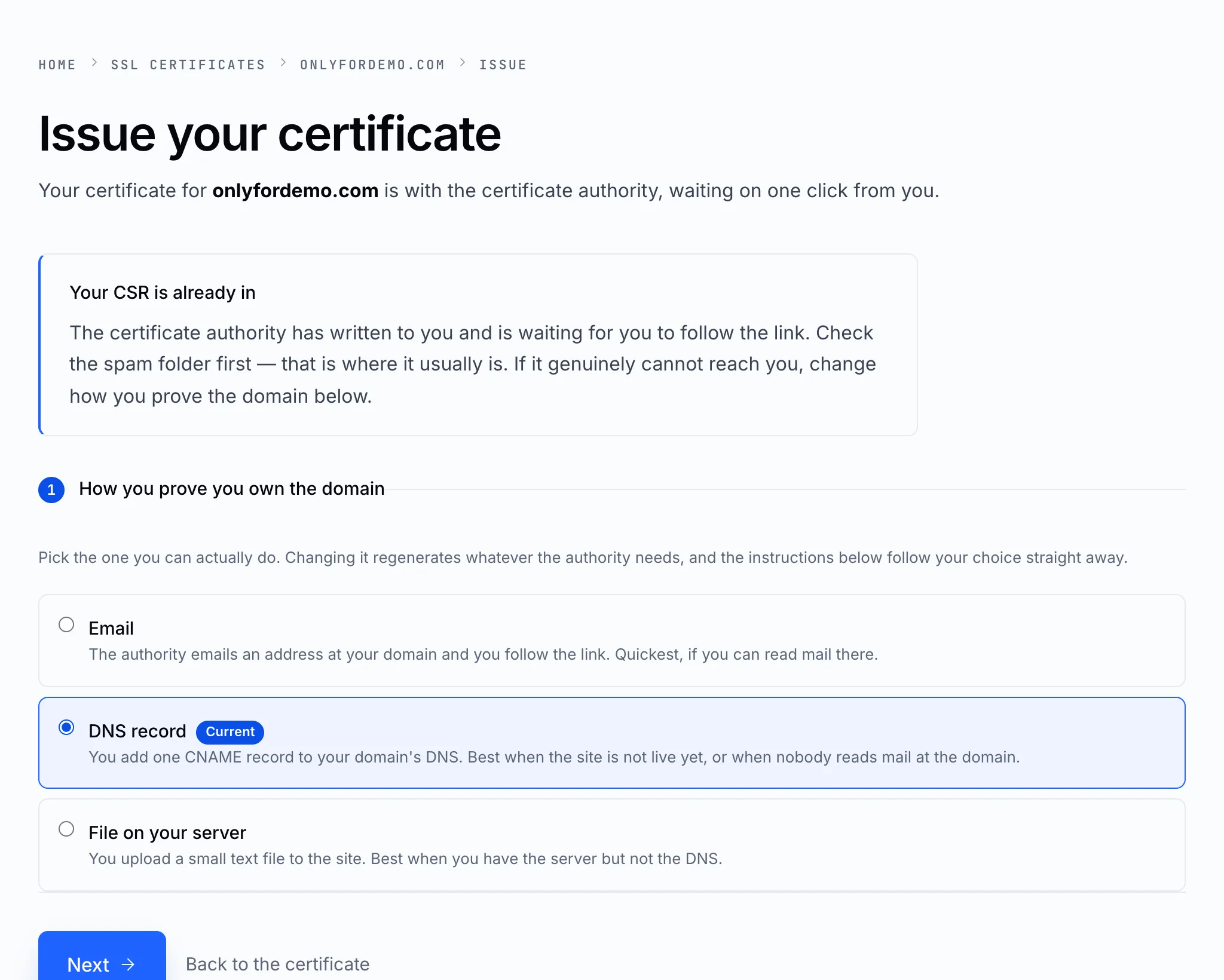
The authority sends a confirmation link to an address at your domain — one you choose from the standard list (admin@, administrator@, hostmaster@, postmaster@ or webmaster@), or an address shown in the domain's public WHOIS record.
- Quickest — usually confirmed within minutes.
- You must be able to read mail at that address. If the mailbox doesn't exist yet, create it first, or pick another method.
- If WHOIS privacy is on, the address in the WHOIS record is not yours — turn privacy off or use one of the standard addresses.
DNS record
You add one CNAME record to the domain's DNS, with the exact name and value shown on the page. The authority looks for it.
- Best when the site isn't live yet, or nobody reads mail at the domain.
- Add it wherever the domain's DNS is managed — with us, that's Manage DNS. See CNAME records.
- Allow a few hours: the authority has to see the record, and DNS takes time to spread.
File on your server
You upload a small text file to the website, at a path the page gives you — inside .well-known/pki-validation/ in your website folder.
- Best when you have the server but not the DNS.
- The site must already answer on that domain over HTTP.
- Don't rename the file or change what's in it.
Tip
Whichever you choose, the panel shows the exact address, record or path — and Save and re-check asks the authority to look again once you've done your part.